SAVE 30% ON EACH EBOOK AND 60% ON THE COMPLETE BUNDLE!
Mobile Health Apps for HSV Management (2026)
Compare HSV symptom and medication tracking options, privacy trade-offs, and ways to share a useful log with your clinician. Apps cannot identify outbreak causes.
TECH & DIGITAL HEALTH
Jordan
5/23/20267 min read
Apps as Organising Tools
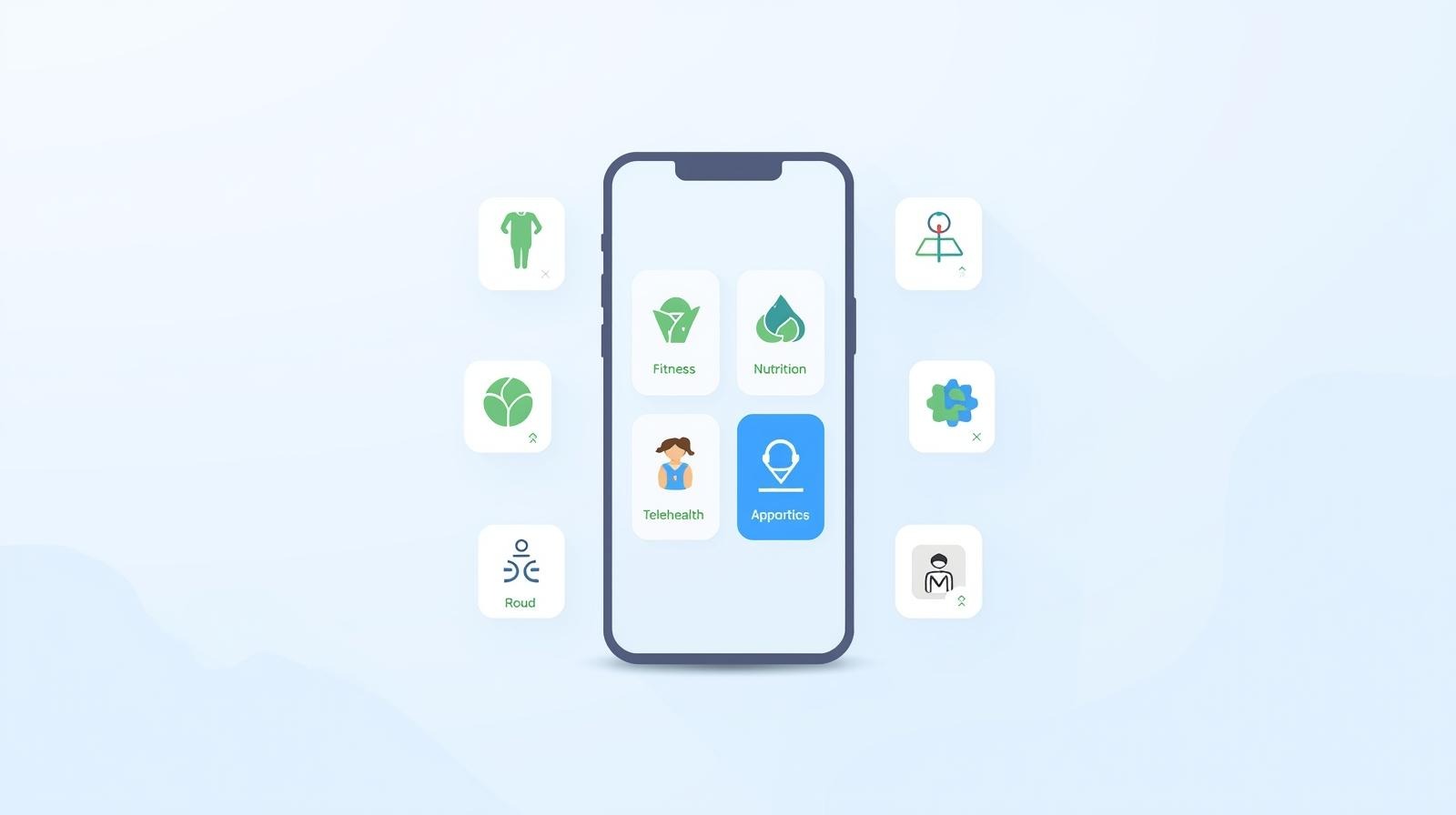
An app can keep dates of symptoms, medication and possible associations in one place. That record can make appointments easier and show how often symptoms occur. It cannot establish that sleep, food, exercise or stress caused an outbreak.
Think of your phone as a place to keep symptom dates, treatment notes and questions for your next appointment. Wearable and lifestyle data are optional context, not an HSV prediction tool.
Why App‑Based Tracking Matters
Data Reveals Patterns
A short log can help you describe when symptoms happen and what treatment you used. There is no validated 60–90-day period for identifying personal HSV triggers.
Which factors you noted before a recurrence; timing alone does not establish a trigger.
How long prodrome lasts for you.
When you started prescribed treatment and how long symptoms lasted; this does not measure how much treatment shortened an episode.
Trend Identification
Recurrences can have several influences, and timing alone does not identify a cause. Use app trends as questions for a clinician, not as a basis for restricting food or changing treatment.
Shared Insights with Providers
Bringing exported charts or logs to your GP or sexual health clinic visit lets you say, “Here’s exactly what’s happening,” rather than “It feels random.” That makes it easier to adjust antiviral dose, timing, or lifestyle plans.
Accountability
A reminder or simple log may help you follow a prescribed routine. If tracking makes you anxious or takes more effort than it saves, simplify it or stop.
Bearable (HSV‑Friendly Symptom Tracking)
Features Overview
Bearable is a general symptom and mood tracker that you can customise for HSV notes. Check its current features and privacy settings before using it for sensitive health information.
Key modules:
Symptoms (custom names, severity scales).
Mood, energy, sleep, pain.
Optional context such as stress, alcohol, sex, supplements or weather.
Medication logging.
Reports and charts that summarise your entries.
Symptom Tracking
You can create custom symptoms like:
“Genital tingling”
“Lesions present”
“Pain on urination”
“Oral sores”
Then rate severity (e.g. 0–10) and duration daily. Over time, you see whether prodrome appears consistently before outbreaks and how long recovery actually takes.
Reviewing Possible Patterns
Charts can display symptoms alongside entries such as:
Sleep hours/quality.
Stress ratings.
Alcohol intake.
Changes in meals or exercise, if you choose to record them.
Illness/fever entries.
A timeline can show when symptoms and possible influences occurred. Even repeated patterns cannot prove what reactivated HSV; review frequent or severe recurrences with a clinician.
Data Visualisation
The app generates:
Weekly and monthly trend charts.
Charts that display records together; treat associations as questions, not proof of cause.
Timeline views combining mood, sleep, symptoms, and habits.
Ideal for showing your doctor or simply spotting patterns at a glance.
Provider Sharing
If an app supports exporting a useful summary, you can bring it to a GP or sexual health appointment. Ask about treatment choices based on your symptoms and medical history; the app cannot judge whether a dose is effective.
Cost
Free tier: unlimited custom symptoms, basic weekly reports, customisable graphs.
Paid features and prices change. Check the current app listing and privacy terms before subscribing.
Pros/Cons
Pros
Very customisable for HSV.
Charts for reviewing entries.
Exports for providers.
The free features may be enough for basic symptom notes; check the current listing before paying.
Cons
More detailed logging = more effort.
Not HSV‑specific by default—you must design your own tracking template.
No built‑in dating/sexual health community.
MyFitnessPal (Lifestyle Tracking)
Nutrition Logging
MyFitnessPal is a general food and activity log. It may be useful if you already track nutrition, but there is no good evidence that logging lysine and arginine intake can predict or prevent HSV outbreaks.
You can:
Track total protein, fats, carbs, and micronutrients.
Food entries if you already use a nutrition log; no HSV-specific diet is established.
Note days where diet was significantly different than usual.
Fitness Integration
Check current connections with wearables and health platforms before relying on them. Workout and recovery data can support general fitness goals, but they do not reveal an established HSV outbreak trigger.
Sleep Tracking
If you connect apps, check which data transfers and what permissions you grant. Sleep and activity information cannot establish a cause of HSV recurrence.
Correlation with Outbreaks
Combining logs may help you prepare specific questions for a clinician, but it cannot show that a particular food caused an outbreak.
Changes in training and eating patterns recorded near symptoms.
Alcohol use recorded near symptoms.
Cost
Free version: ads, standard logging, basic reports.
Premium features and prices vary by country and subscription route. Check the current app listing before paying; food logging is not an established way to prevent HSV recurrences.
Pros/Cons
Pros
Excellent for nutrition and calorie trends.
Integrates with many devices.
Free tier is usually enough for HSV purposes.
Cons
Not built for illness tracking.
Interface can feel busy if you only want simple logs.
Consider paid features only if you would use them for general nutrition goals.
Apple Health (Ecosystem Integration)
Wearable Data Integration
Apple Health aggregates:
Heart rate, HRV.
Sleep duration and stages (from Apple Watch or third‑party apps).
Activity, steps, workouts.
Temperature (Series 8+ watches).
Data from other apps only where you have enabled a supported connection.
If compatible apps connect and you grant permission, you may be able to view:
Nights of short sleep.
Periods of high training load.
Stress markers (via HRV or third‑party apps).
HSV App Compatibility
Some trackers can connect to Apple Health, but the available data and direction of sharing vary by app and permission. Check each connection before relying on it.
Privacy Considerations
Apple Health data is encrypted on‑device and, when backed up, can be encrypted in iCloud with appropriate settings. Third‑party apps only access data you explicitly permit. You still need to review each app’s privacy policy, but Apple’s default stance is comparatively privacy‑protective.
Choosing a Symptom Tracker
General symptom trackers
CareClinic and other general health apps can be used to record symptoms and medication. Check the current interface for fields you need, such as:
Oral/genital symptoms.
Pain levels.
Possible context such as illness, sun exposure or menstruation, where relevant.
Medication (dose and timing).
A general tracker may suit you if you want a ready-made way to record symptoms, but it cannot identify what caused an HSV recurrence.
Community features need extra caution
Some apps combine:
Basic symptom/outbreak logging.
Educational content.
Forums or Q&A sections with other users or clinicians.
If an app also has a forum, treat peer advice as personal experience and check medical claims with a clinician or reliable clinical source. Review moderation and privacy settings before posting.
New or niche apps
Before using a newer app, check when it was last updated, what it does with sensitive data and whether you can export or delete your records. User reviews can help with usability, but they do not validate medical claims.
Integration Strategy (Multiple Apps)
You may not need multiple apps. If you use more than one, give each a clear purpose:
Primary log: an app or notebook for symptoms and medication.
Secondary (Lifestyle): MyFitnessPal (food/exercise) or a dedicated sleep app.
Apple Health can be an optional hub for compatible data; check each app’s current read and write permissions.
Connect services only after checking what each can share:
A compatible wearable may send selected measurements to Apple Health.
Food or activity data can stay in MyFitnessPal if you use it for general goals; an Apple Health connection is optional and may vary.
Keep symptom and medication notes in the tracker you prefer. If it connects to Apple Health, confirm exactly which data it reads or writes.
Data You Should Track
Symptoms and Severity
Tingling, itching, pain, visible lesions.
Severity 0–10.
Oral vs genital vs other sites.
Outbreak Timeline
Prodrome start date/time.
Lesion onset and resolution dates.
Healing duration.
Medications and Timing
Daily suppressive dose: time taken.
Episodic dose: when started relative to prodrome.
Any missed doses.
Notes Worth Discussing
Stress level (0–10).
Alcohol, recreational drugs.
Intense workouts, illness, travel, sun exposure.
Lifestyle Factors
Overall energy and mood.
Nutrition patterns (especially big changes).
Menstruation cycle if applicable (for partners or if tracking shared patterns).
Use a checklist inside your chosen app as your daily quick‑log template.
Privacy and Data Security
Before committing to any app:
Read the privacy policy: Is data sold or shared with advertisers?
Check if data is end‑to‑end encrypted or at least encrypted at rest.
Use strong, unique passwords and enable 2FA where available.
Avoid putting full names or identifiable photos inside symptom logs if you’re worried about stigma.
Review each app’s current privacy notice and sharing controls before adding sexual-health data. Check who can access entries, whether data are used for advertising or analytics, and how to export or delete them.
Sharing Data with Healthcare Providers
If the app offers export, create a short summary for appointments and check what personal details it includes.
Highlight the practical question: “I’ve had four outbreaks in six months. Should we discuss suppressive therapy?”
Show duration and severity charts to evaluate whether your current regimen is working.
Most clinicians appreciate concise, structured data rather than pages of notes.
Cost–Benefit Analysis
Bearable
Check the current free and paid features in the app listing before subscribing.
Consider whether extra charts actually help you organise information for care.
MyFitnessPal
Free tier is usually enough for HSV‑adjacent tracking.
Paid food-tracking features are optional and have no proven HSV-specific benefit.
CareClinic and other general trackers
Compare current free and paid features, privacy terms and export options before choosing.
FAQ: App Questions
Do I really need more than one app?
Not necessarily. One simple symptom and medication log may be enough. Add other apps only when they serve a clear purpose and you are comfortable with their data permissions.
How long before I see useful patterns?
There is no validated number of days after which an app can identify a person’s HSV triggers. Track only for as long as the record is useful to you or your clinician.
What if I stop tracking—does it all fall apart?
You can stop or restart tracking whenever it helps you manage symptoms or prepare for an appointment. Longer logs still cannot establish the cause of a recurrence.
Using Your Phone to Organise HSV Care
A useful phone routine is simple: note symptoms, follow the treatment plan you and your clinician agreed, and bring the log to an appointment if questions arise. The app cannot tell you what caused an outbreak or when to change medication.
If you choose to log symptoms or use medication reminders, download the Health-App Tracking and Privacy Guide to review permissions, data sharing and practical limits. Consumer apps and wearables can help organise notes and reminders, but they cannot diagnose HSV or predict an outbreak.
MODERN HSV PLAYBOOK
THE SERIES
© 2026 Modern HSV Playbook. All rights reserved.
SITE
Content for informational purposes only. Not a substitute for professional medical advice.